
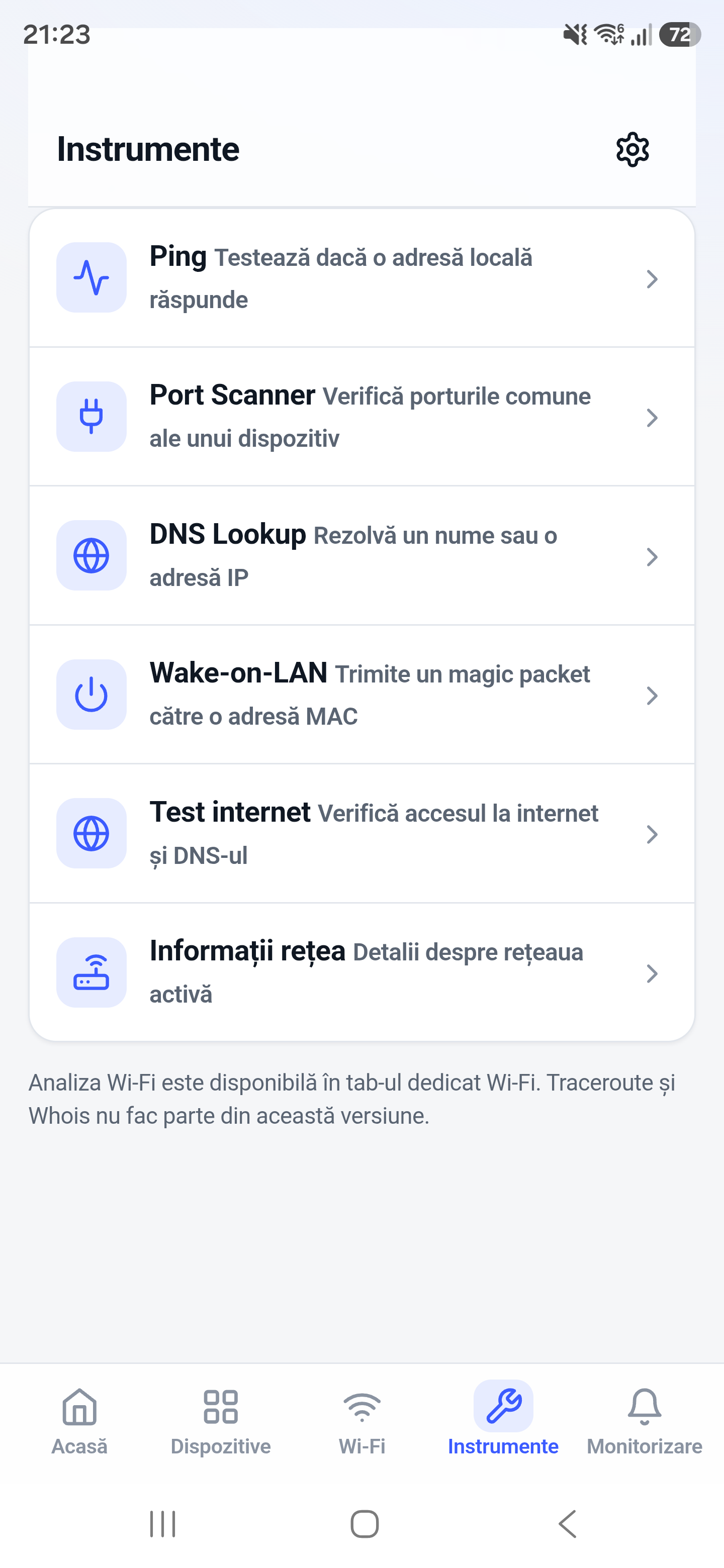
Wake-on-LAN sends a magic packet addressed to a network adapter that is prepared to wake its computer. It is useful for starting a home PC, workstation, or compatible server without leaving it running continuously.
How it works
The packet contains the target network adapter MAC address and is normally broadcast on the local LAN. The receiving computer, firmware, adapter, and power state must all support wake behavior.
How to use it in Network Toolkit
- Enable Wake-on-LAN in the computer firmware and network adapter settings.
- Record the wired adapter MAC address and appropriate broadcast address.
- Add or enter the target in Network Toolkit.
- Send the magic packet while the phone is connected to the same reachable network.
What information you can see
- A Wake-on-LAN packet sent to the selected target
- Saved-device convenience where supported
- Repeat-send options where available
Common use cases
- Wake a desktop before remote access
- Start a home lab server when needed
- Bring a NAS or workstation online locally
- Test Wake-on-LAN configuration changes
Limitations and Android considerations
Related network tools
Network Scanner for Android, Ping Tool for Android, Port Scanner for Android can help confirm the result from another angle.
Frequently asked questions
Do I need the IP address or MAC address?
The MAC address is essential. An IP or broadcast address helps direct the packet on the local network.
Can Wake-on-LAN work over the internet?
It requires careful router or VPN configuration and is not reliably available through ordinary internet routing. A VPN into the home network is often safer.
Why does it work only from sleep?
Firmware, adapter power settings, and the computer shutdown state determine which power states can wake.