
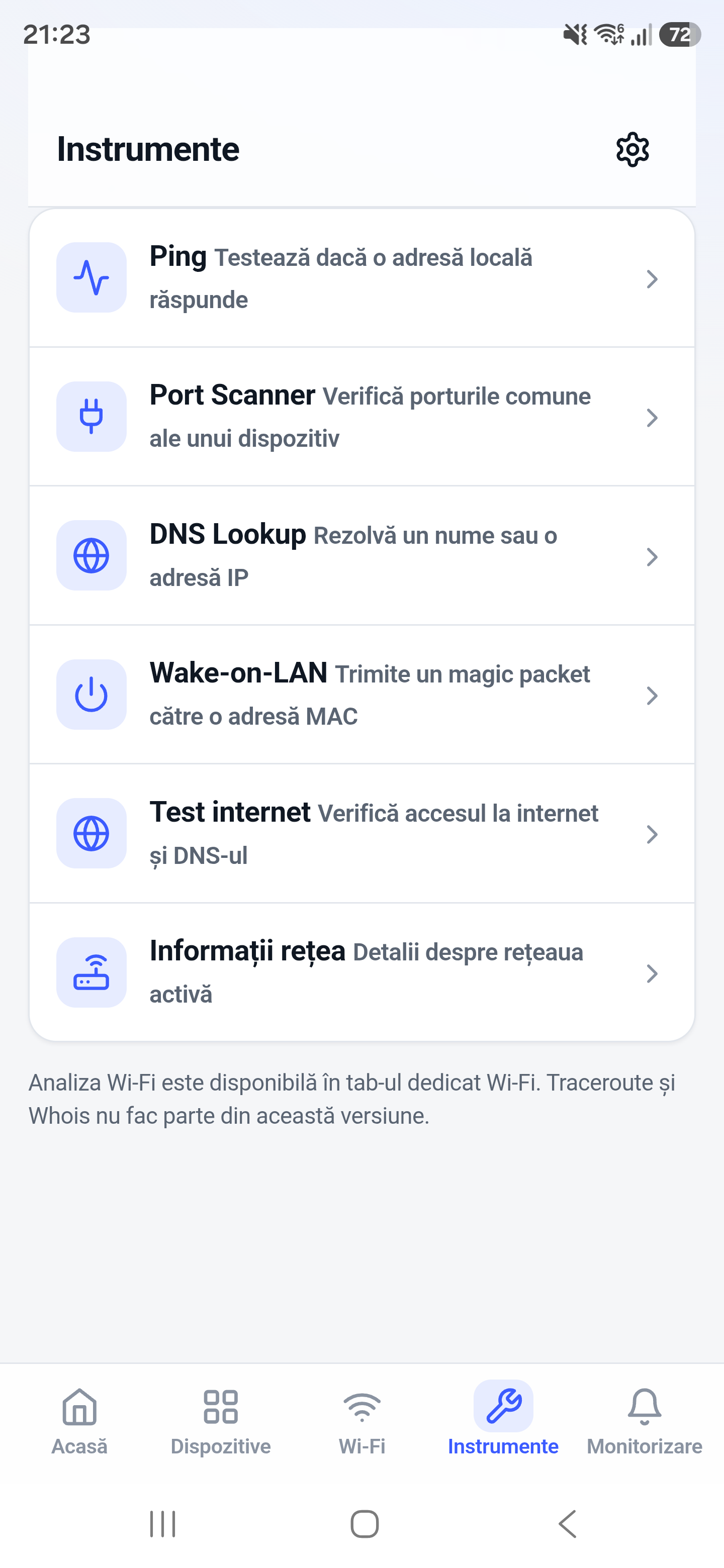
The port scanner checks whether TCP services accept connections on a target. It is useful after confirming an address, when a server is reachable but a specific application is not.
How it works
A TCP scan attempts connections to selected ports and classifies the observed result. Open means a service accepted a connection; closed or timed out can indicate no listener, filtering, or an unreachable path.
How to use it in Network Toolkit
- Enter a host that you own or are authorized to test.
- Choose common ports or an appropriate port range.
- Start the scan and wait for connection attempts to finish.
- Verify an open result with the matching client or service tool.
What information you can see
- Open TCP ports
- Closed or unavailable results
- Service hints for well-known ports
- A focused view of network service reachability
Common use cases
- Check whether SSH or a web server is listening
- Troubleshoot a NAS management port
- Verify a service after a configuration change
- Distinguish host reachability from application availability
Limitations and Android considerations
Related network tools
Ping Tool for Android, Traceroute for Android, SSH Client for Android can help confirm the result from another angle.
Frequently asked questions
Is an open port automatically insecure?
No. It means a service is reachable. Security depends on the service version, configuration, authentication, and network exposure.
Why does a scan time out?
A firewall may silently drop traffic, the route may be unavailable, or the service may not respond within the timeout.
Can I test one port?
Yes. A focused check is usually faster and clearer when you already know the service port.