Android network diagnostics
Network Toolkit - Network Tools for Android
Inspect nearby WiFi, discover devices on your LAN, test connectivity, and use focused tools for common administration and IoT tasks from your Android phone.
Verified capabilities
One toolbox for the network jobs that start away from a desk
Each page below describes a capability confirmed in the current application.
Common use cases
Move from discovery to a focused test
Find an unfamiliar LAN device, compare WiFi coverage, confirm whether a host responds, check a TCP service, trace a route, or wake a compatible PC. Related-tool links make it easier to verify a result from another angle.
- Home WiFi and channel troubleshooting
- LAN device and IP discovery
- Latency, ports, routes, and DNS checks
- SSH, SNMP, MQTT, and BLE diagnostics
Practical resources
Start with the problem you need to solve
Languages
Read Network Toolkit pages in your language
Frequently asked questions
Before you start
Does Network Toolkit require a desktop computer?
No. The tools described on this site run from the Android application, within Android and network limitations.
Can I scan any network?
Use discovery and scanning only on networks and systems you own or have explicit permission to administer.
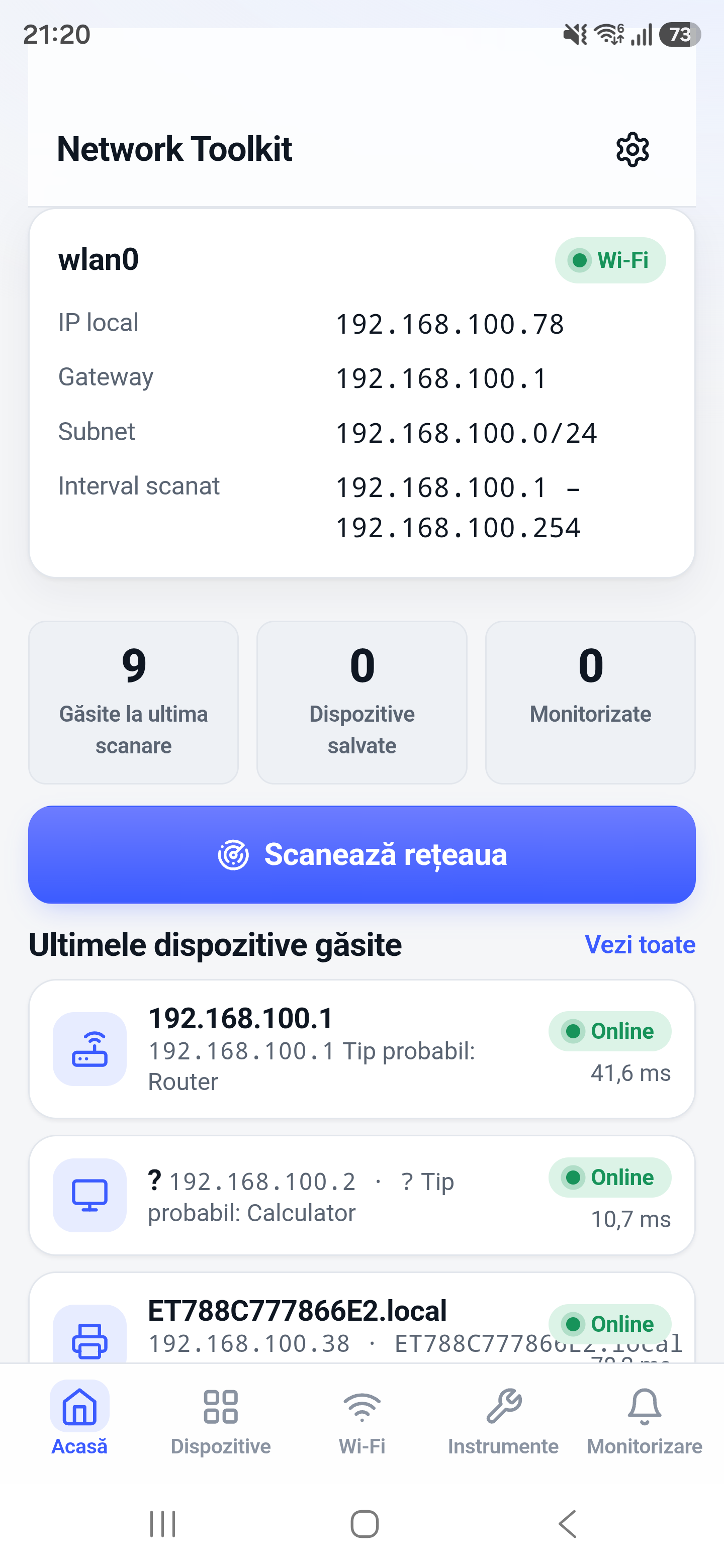
Are the screenshots real?
Yes. The website reuses real application screenshots; it does not fabricate or redraw the app interface.
Keep network diagnostics close at hand
Open Network Toolkit on Google Play and choose the tool that matches the problem.